Back in 2015, laptop customization meant one vinyl decal or a simple skin. Today, it's a battlefield of personality. You take a plain aluminum lid and transform it into a chaotic collage that screams your identity. For AstralSpiff fans, that identity is pure, unhinged chaos. And the best way to channel that energy? A full-on sticker bomb.
This guide walks you through every step of an astralspiff sticker bomb laptop build. By the end, you'll have a machine that trolls your friends, confuses your professors, and makes you smile every time you open it. No design skills required. Just guts and a pile of stickers.
Why Sticker Bomb Your Laptop
A sticker bomb isn't just decoration. It's a statement. Your laptop becomes a roaming art piece that reflects your taste. For AstralSpiff fans, that means embracing the meme-heavy, glitchy, absurdist style that defines his content.
Express Your Fandom Without Words
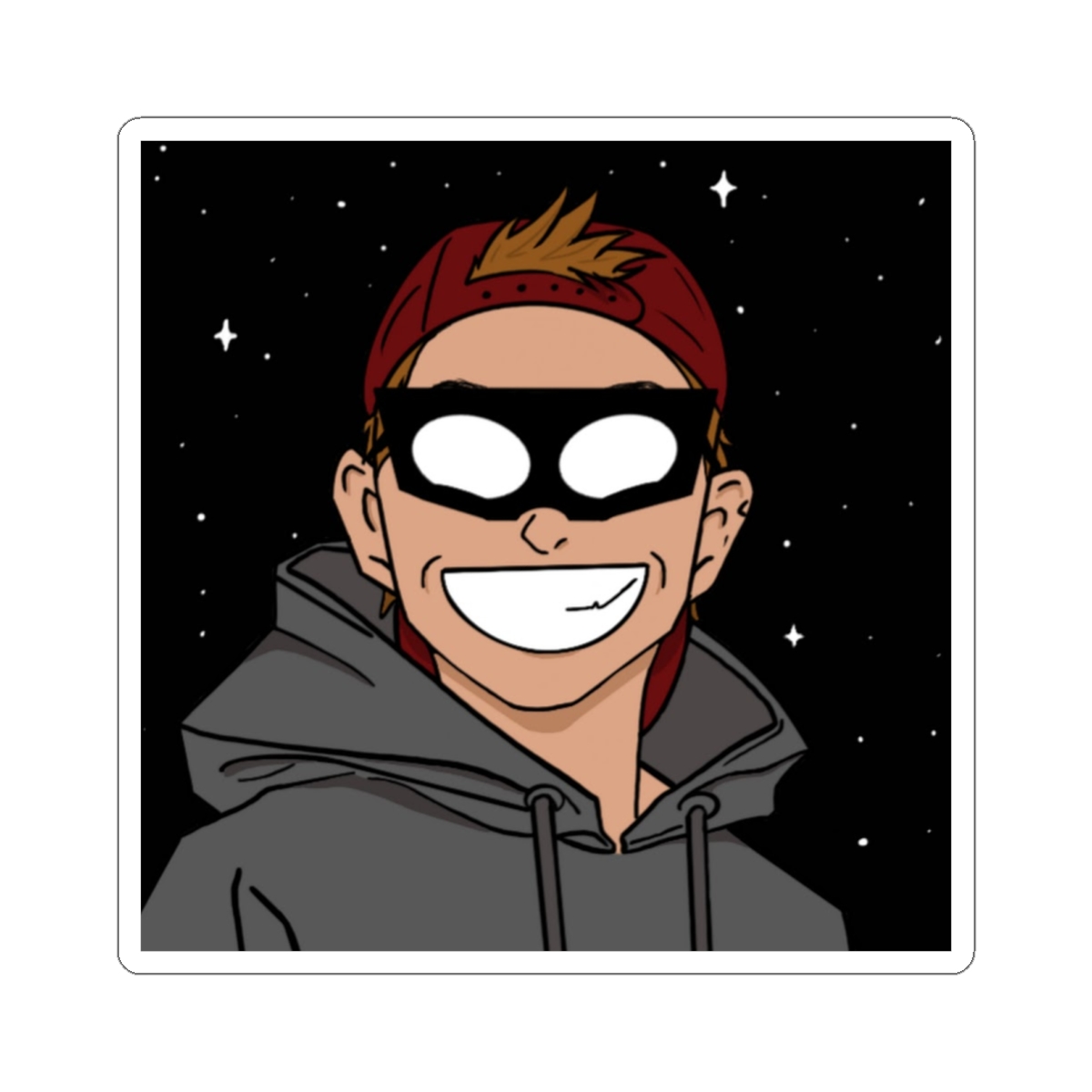
Every sticker tells a story. The Spiff face with the X eyes. The screaming cat. The "WTF did I just watch" emblem. These stickers let fellow fans spot you across a coffee shop. I've seen three strangers bond over a laptop lid covered in Spiff's signature troll faces at a convention. No intro needed.
Hide Scratches and Dents
Let's be real. Laptops get beat up. A sticker bomb hides existing damage and prevents new scratches from showing. Instead of buying a bulky case, you get a protective layer of art. The vinyl stickers add a thin cushion against light bumps.
It's Cheap and Reversible
A full laptop skin from a branded store costs $40 or more. A sticker bomb using AstralSpiff fan packs costs around $15 to $25 and takes 30 minutes. If you get bored, peel them off. Just warm the stickers with a hairdryer first to avoid residue.
Best AstralSpiff Stickers for Chaos
Not all stickers are equal. For maximum chaos, you want stickers that clash in color, size, and subject. Here are the three types that dominate the best astralspiff sticker bomb laptop builds.
Trollface Collection
The cornerstone of any Spiff bomb. These oversized troll faces with different expressions - mischievous, shocked, deadpan - cover large areas quickly. Use one as your centerpiece. I recommend the "Spiff Stare" variant (3x3 inches) for maximum eye contact with onlookers.
Glitch Effect Decals
AstralSpiff's aesthetic leans into digital distortion. Glitch art stickers with wavy patterns, scan lines, and color bleed effects fill gaps between troll faces. They create visual noise that makes your laptop look like it's buffering in real life. Layer two over a solid color sticker for depth.
Meme Quote Stickers
"Skill Issue", "Get Trolled", "The Council Will Decide Your Fate" - these short phrases add punch. Place them near the hinge or along the bottom edge so they remain legible when the lid is partly closed. I've seen a "Press F to Pay Respects" sticker on a touch bar that got chuckles from classmates.
Step-by-Step Sticker Application
Now comes the hands-on part. Follow these steps for a professional-looking bomb that won't peel off after a week.
Step 1: Clean Your Laptop Lid
Wipe the entire lid with isopropyl alcohol (70% or higher) and a microfiber cloth. Focus on oily areas near the trackpad and edges. Any residue prevents adhesion. Let it dry for 2 minutes. Pro tip: don't use glass cleaner - it leaves a film that weakens sticker grip.
Step 2: Plan Your Layout
Place stickers on the lid without peeling the backing. Arrange them starting from the center outward. Overlap edges by about 1/4 inch to avoid gaps. Take a photo of your layout. This step takes 5 minutes but saves you from peeling a sticker only to realize it's crooked.
Step 3: Peel and Stick from Center Out
Starting with the center sticker, peel the backing and press firmly from the middle toward the edges. Use a credit card wrapped in a soft cloth to smooth out air bubbles. Work in one direction. Repeat for each sticker, overlapping edges by 1/4 inch. Common mistake: trying to place stickers perfectly in one go. Instead, aim for 80% alignment and adjust while the adhesive is still fresh.
Step 4: Seal the Edges
After all stickers are placed, run a heat gun or hairdryer on low over the entire surface for 10 seconds. This softens the adhesive and melds the overlaps. Press down the edges again with your cloth-covered card. The result - a seamless bomb that won't lift at the corners.
Step 5: Let It Cure
Keep the laptop closed for 2 hours at room temperature. The adhesive needs time to bond fully. Avoid putting it in a backpack for at least 4 hours. Rushing this step causes stickers to slide off when pressure is applied.
Caring for Your Sticker Bombed Laptop
Your sticker bomb is tough but not invincible. Proper care keeps it looking fresh for months.
Clean Gently
Dust the lid with a soft brush or compressed air every week. For smudges, use a slightly damp microfiber cloth - no soap. Wipe in the direction of the sticker fibers (usually top to bottom). Never use alcohol after application - it degrades the adhesive.
Avoid Direct Sunlight
Vinyl stickers fade under prolonged UV exposure. Keep your laptop out of direct sunlight when possible. If you take it to a cafe, sit away from windows. I've seen a three-month-old bomb turn from vibrant red to washed-out pink because someone left it on a sunny balcony.
Replace Damaged Stickers
If a corner peels or a sticker gets scratched, you can replace it. Warm the area with a hairdryer for 30 seconds, then peel slowly. Clean the spot with alcohol, let dry, and apply a new sticker. No need to redo the whole bomb.
The Patina Factor
After six months, your bomb will develop a patina - scuffs, micro-scratches, and slight yellowing. This adds character. Embrace it. AstralSpiff's chaos is about imperfection. A pristine bomb looks fake. Your worn one tells stories.
Frequently Asked Questions
How many stickers do I need for a 13-inch laptop?
About 15 to 20 stickers, depending on size. Mix two or three large ones (3x3 inches) with medium (2x2) and small (1x1) decals to cover the surface with overlaps.
Will stickers damage my laptop paint?
No, if applied and removed correctly. Vinyl stickers with removable adhesive are safe. Always heat the sticker before peeling to avoid lifting the laptop's finish.
Can I remove stickers after a year?
Yes. Use a hairdryer on medium heat for 30 seconds over the sticker. Peel slowly at a 45-degree angle. Any residue can be removed with isopropyl alcohol.
What laptop material works best?
Matte finishes hold stickers best. Glossy lids are fine but require more cleaning beforehand. Avoid textured surfaces like carbon fiber - stickers won't adhere fully.
How long do stickers last on a bag vs laptop?
On a laptop, expect 12 to 18 months before significant fading or peeling, assuming normal use and indoor storage. Bags see more abrasion so stickers may last 6 to 9 months.